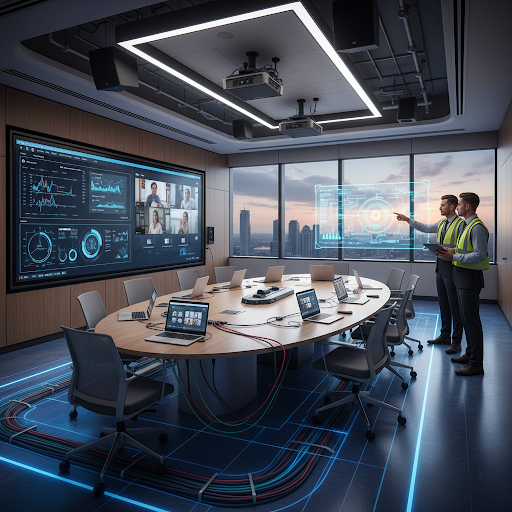
Training rooms play a crucial role in schools, offices, hospitals and corporate buildings. For a training room to work smoothly, smart and proper wiring is essential. Good wiring helps audio, video, internet, and display systems work without problems.
The blog discusses some simple and practical wiring tips to create a high-performing training room in any commercial building.
Plan the Wiring Before Setup
One of the most important and first steps is proper planning. Before installing screens, speakers, cameras, or computers, it’s important to decide where to place everything.
Planning early helps avoid messy cables and future changes. When wiring is planned properly, it becomes easier to manage upgrades later without breaking walls or ceilings.
Use Structured Cabling Instead of Random Wires
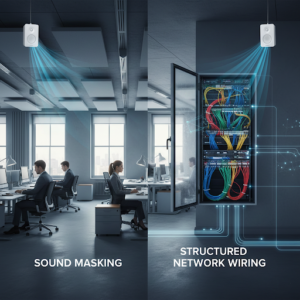
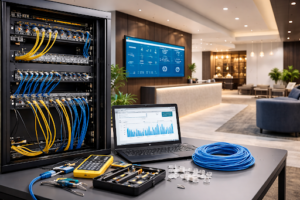
Structured cabling means organizing all data, voice and video cables in a clean system. This type of cabling keeps wires well-organized, neat and easy to identify. Besides, it reduces signal issues and makes maintenance simple.
In training rooms, structured cabling ensures stable internet, smooth presentations and clear video calls.
Separate Power and Data Cables
Power cables and data cables should never run together. Power cables can cause interference that affects internet speed and video quality. Therefore, make sure to keep them separate to avoid signal loss.
This small step can significantly improve the performance of screens, projectors and video conferencing tools.
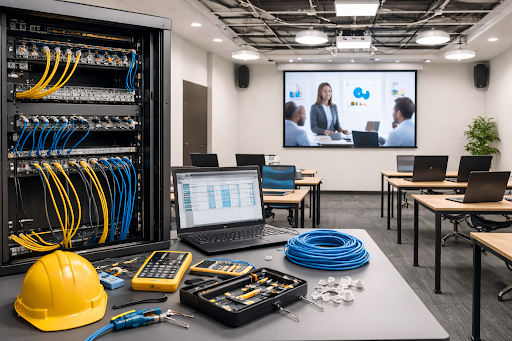
Choose High-Quality Low-Voltage Wiring
Training rooms depend heavily on low-voltage systems such as audio, video, networking, and control panels. Using good-quality low-voltage cables ensures clear sound, sharp visuals, and reliable connections.
Poor cables may install easily or work well at first, but often cause problems over time.
Install Enough Network Points
Generally, training rooms fail due to limited network outlets. Therefore, make sure to install extra network points for laptops, cameras, control systems and future devices. This avoids overloading one connection and keeps the network stable during training sessions.
Support Wireless Systems with Strong Wiring
Wireless systems still need wired support. Access points, routers, and switches must be connected through strong cabling. Proper wiring improves Wi-Fi coverage and avoids dropped connections during online meetings or training sessions.
Label All Cables Clearly
Labelling cables may sound simple, but it saves time and effort in the long run. When something stops working, labelled cables help technicians identify and fix issues quickly. This reduces downtime and keeps training sessions running smoothly.
Leave Room for Future Expansion
Technology changes rapidly. Training rooms may need new displays, cameras, or systems in the future. Smart wiring includes extra conduits and spare cables so upgrades can be done easily without major construction work.
Hire Professional Cabling Experts
Professional cabling experts follow safety standards and best practices. They ensure cables are properly routed, secured and tested. This mitigates risks, enhances performance and increases the life of your training rooms’ systems.
Key Takeaway
Smart wiring is the backbone of a high-performance training room. Proper planning, structured cabling, quality low-voltage wiring, and professional installation make training rooms reliable and easy to use.
With proper wiring, audio is clear, video is smooth, and training sessions stay productive without technical problems. That’s why, follow smart wiring tips to make your next training session successful.